
Install
Install AVC globally via npm:
sh
npm install -g @agile-vibe-coding/avcThen launch it:
sh
avc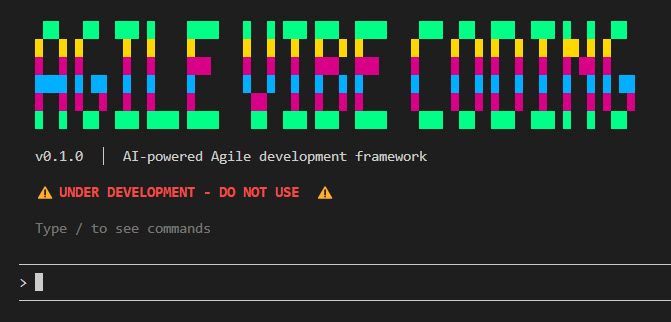
Type / and press Enter to open the command selector, or type a command name directly.
API Keys Required
AVC uses LLM providers to power ceremonies and generate project documentation.
Setting Up API Keys
When you run /init, AVC creates a .env file in your project directory with placeholders:
env
ANTHROPIC_API_KEY=
GEMINI_API_KEY=Steps:
- Run
/initto initialize the project. - Open the
.envfile in your project directory - Add your API key(s) for the provider(s) you want to use
- Save the file
- Run
/sponsor-callto define your project with AI assistance
Example:
env
ANTHROPIC_API_KEY=sk-ant-api03-your-key-here
GEMINI_API_KEY=AIzaSy-your-gemini-key-hereNote: You only need to configure keys for the providers you're actually using. Check your
.avc/avc.jsonfile to see which provider is configured for your ceremonies.
Configuring Providers Per Ceremony
Each ceremony in .avc/avc.json can use a different provider:
json
{
  "settings": {
    "ceremonies": [
      {
        "name": "sponsor-call",
        "provider": "claude",
        "defaultModel": "claude-sonnet-4-5-20250929"
      }
    ]
  }
}Supported Providers
AVC currently supports the following LLM providers:
| Provider | Models | API Key Variable | Get API Key |
|---|---|---|---|
| Claude (Anthropic) | claude-sonnet-4-5-20250929claude-opus-4-5-20251101 | ANTHROPIC_API_KEY | console.anthropic.com |
| Gemini (Google) | gemini-2.5-flashgemini-2.5-pro | GEMINI_API_KEY | aistudio.google.com |